Versien Composer’s Atelier

Work out the chords.
Build the arrangement.

Write and audition chord progressions, arrange them into sections, then export the performance as MIDI.

Start with a style example or enter your own chords. Adjust the notes, bass and chord lengths while you listen.

Coming soon
Chord editingCompose · a closer look

Try a different chord
in the same progression.

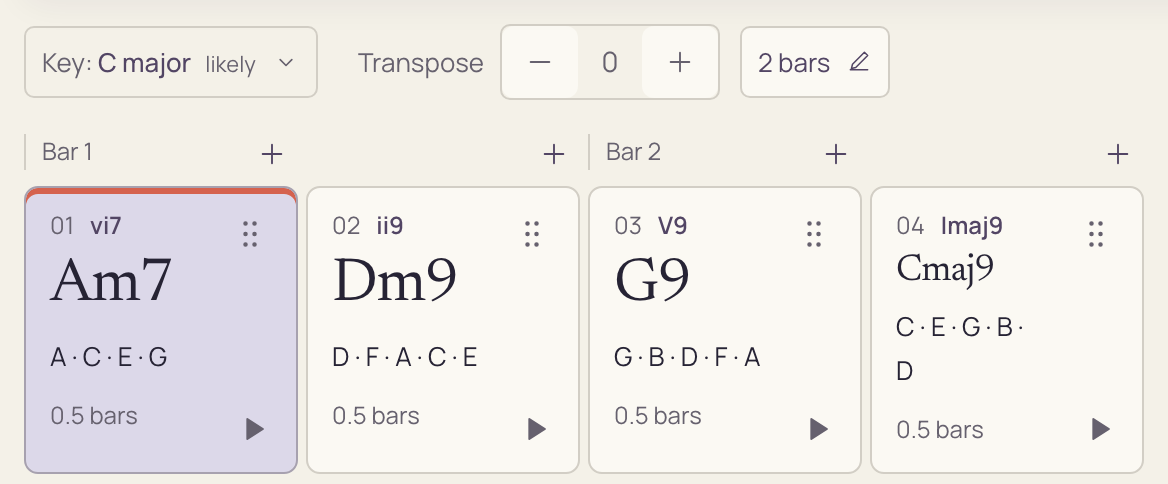
Select a chord to compare extensions and substitutions. Hear each option with the surrounding chords before applying it.

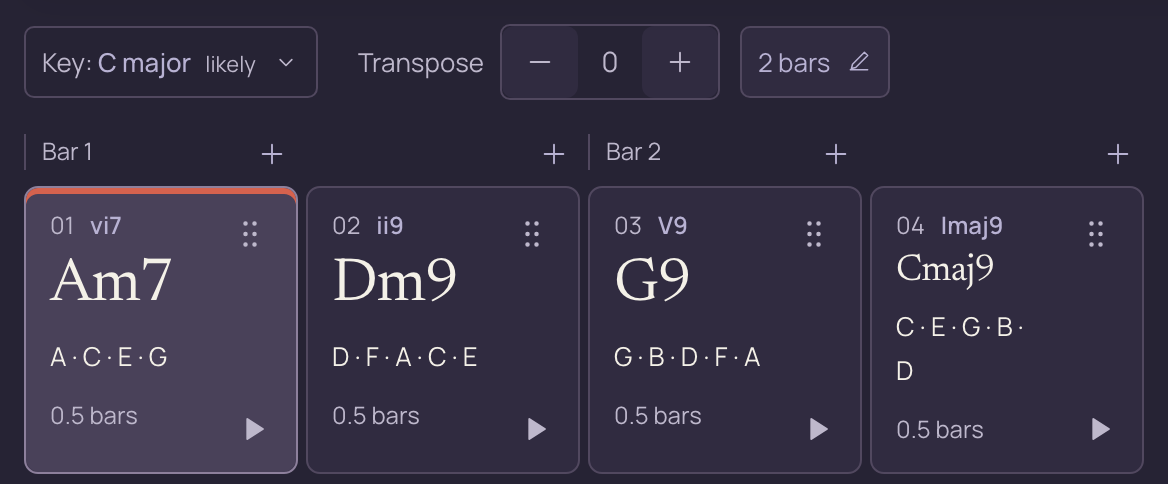
Close-up of a two-bar phrase with Am7 selected, followed by Dm9, G9 and Cmaj9, plus key and transposition controls.Close-up of a two-bar phrase with Am7 selected, followed by Dm9, G9 and Cmaj9, plus key and transposition controls.
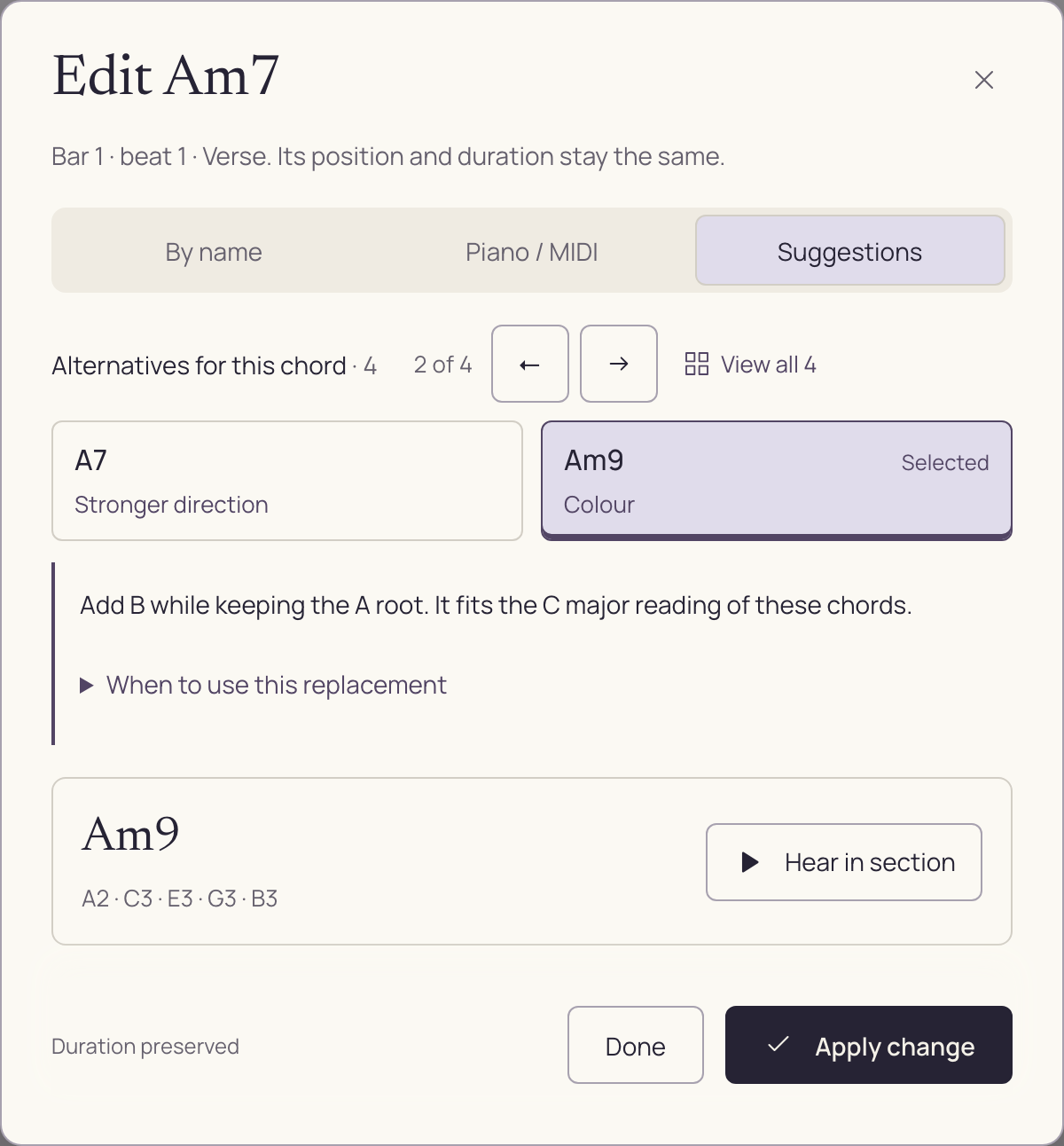
Am7 to Am9. A little more colour.

The same place in the phrase. A different possibility.

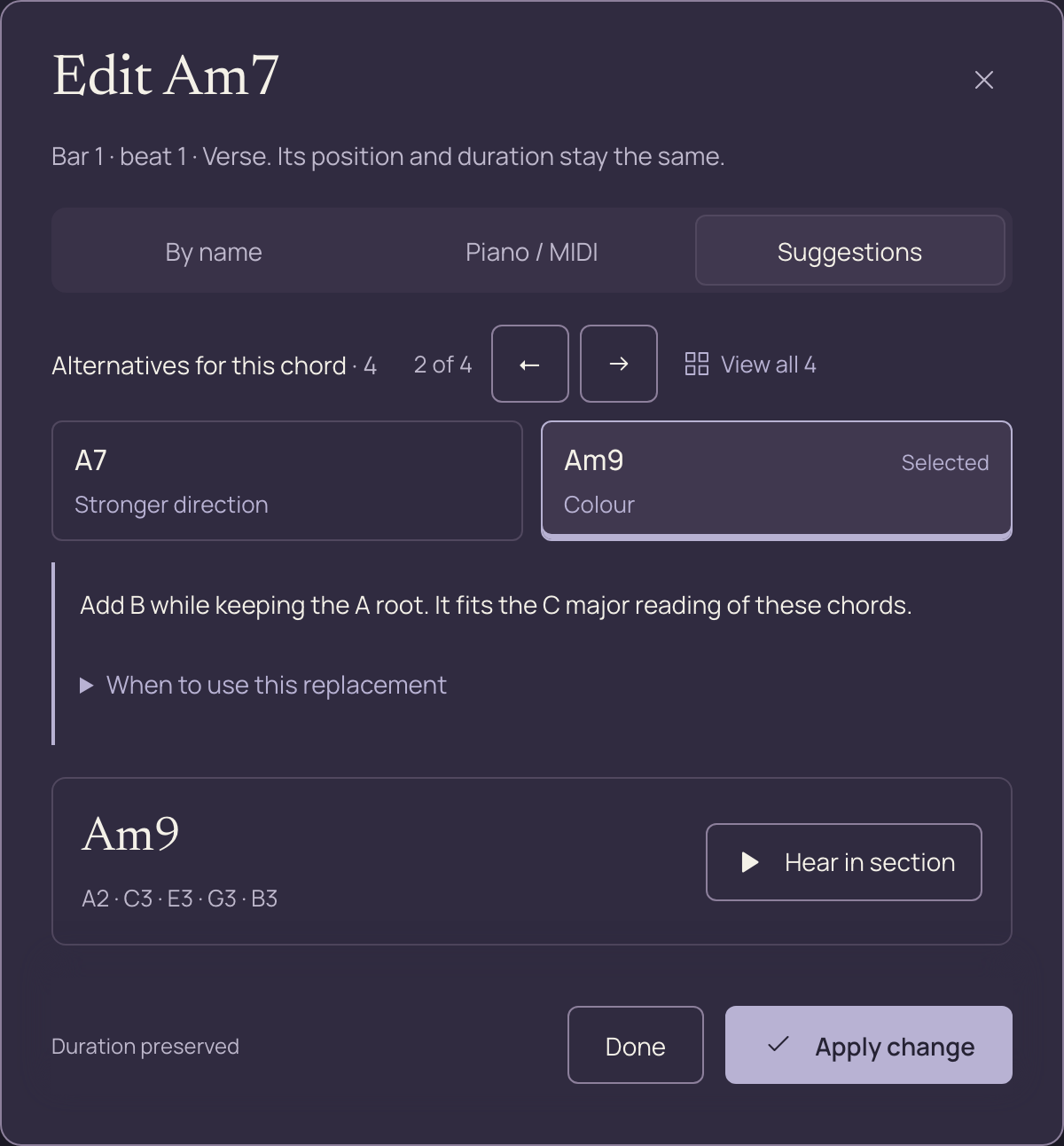
Edit Am7 with the Am9 suggestion selected, its musical explanation, Hear in section and Apply change.Edit Am7 with the Am9 suggestion selected, its musical explanation, Hear in section and Apply change.

How it works

Write a progression,
then arrange the sections.

01Explore

Browse and audition progressions.

Browse examples by style and tempo. Listen to a progression, check its chords and accompaniment, then open it in Compose to edit it.


02Compose

Edit the chords and voicings.

Enter chord names or play notes on the on-screen piano or a MIDI keyboard. Adjust individual notes, bass notes and durations. Lock chords you want to keep while trying alternatives elsewhere.

03Structure

Arrange verses, choruses and transitions.

Put sections in order, reuse a verse and set how many times each section plays. Audition the joins between sections or play through the full arrangement.
ExploreFind a phrase
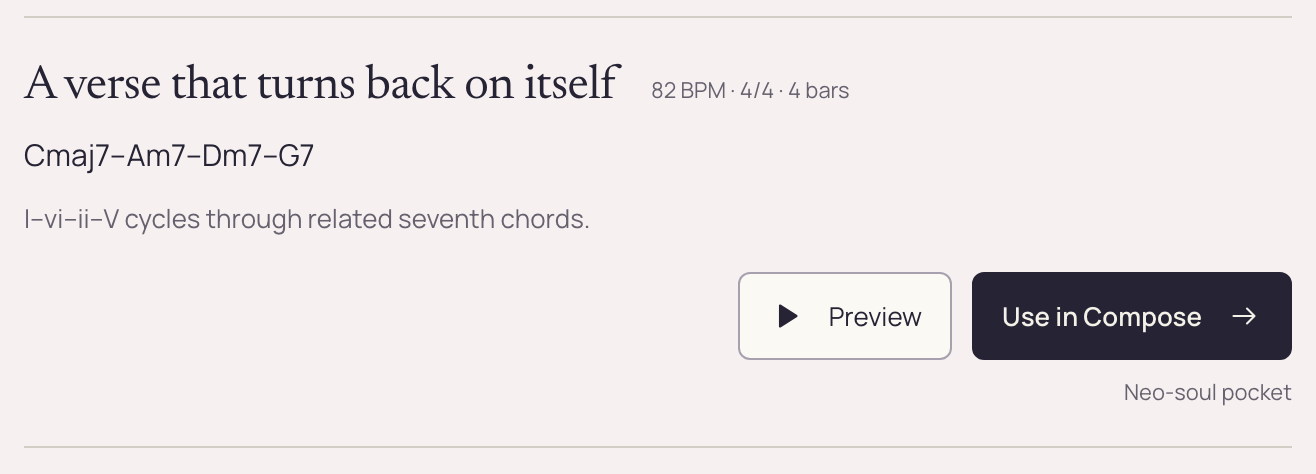
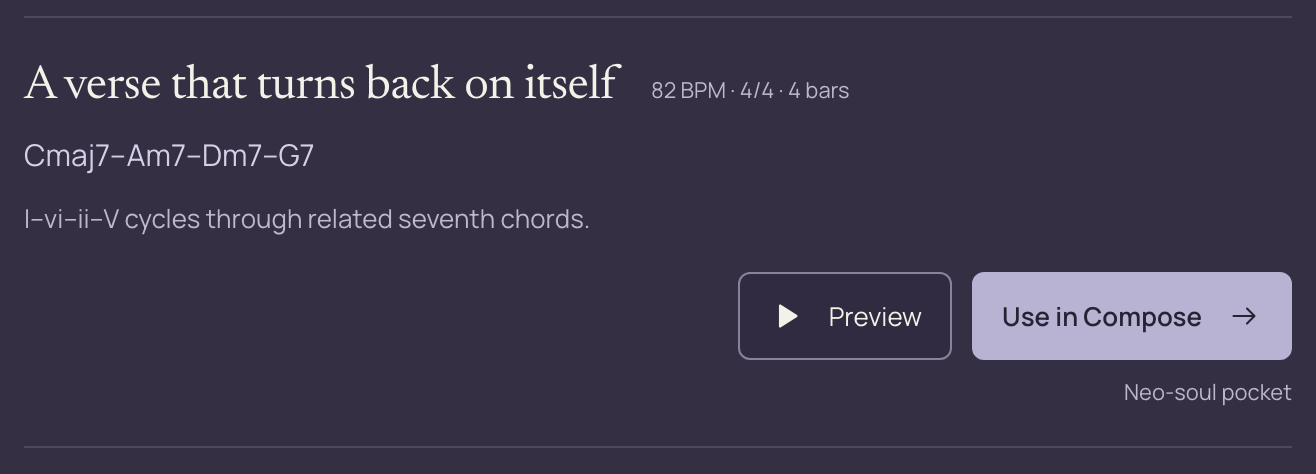
A close-up of a Neo-Soul starting point: Cmaj7, Am7, Dm7 and G7, with its musical context, Preview and Use in Compose.A close-up of a Neo-Soul starting point: Cmaj7, Am7, Dm7 and G7, with its musical context, Preview and Use in Compose.
Open a style, hear its starting points and bring a phrase into Compose.
StructureBuild the song
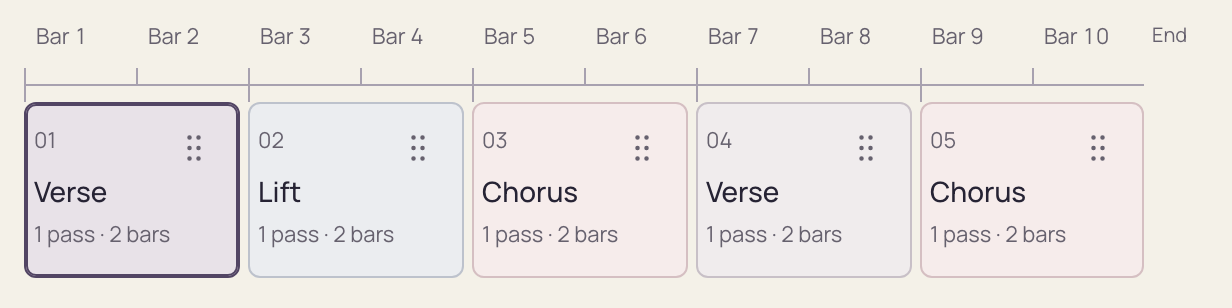
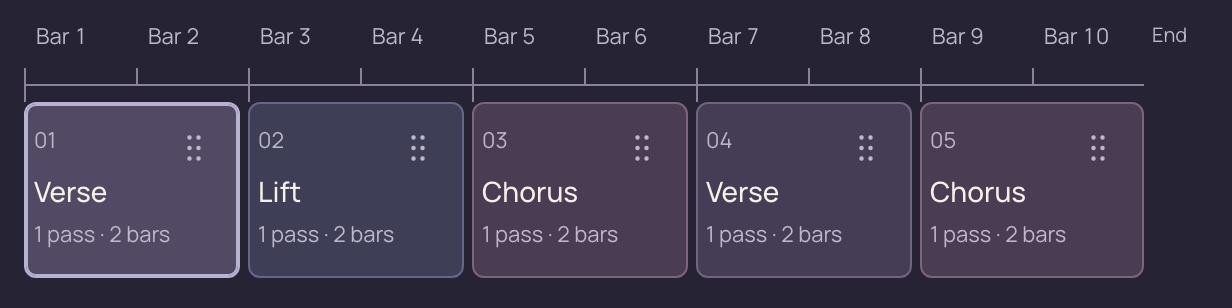
Close-up of the ten-bar section timeline: Verse, Lift, Chorus, Verse and Chorus, with bar positions and move handles.Close-up of the ten-bar section timeline: Verse, Lift, Chorus, Verse and Chorus, with bar positions and move handles.
Verse, lift, chorus. Reuse sections and hear how the whole idea unfolds.

Style library

Hear how different styles use harmony.

Browse progressions from different styles. Listen to the chord changes and accompaniment, then open an example to change the harmony, timing or voicing.

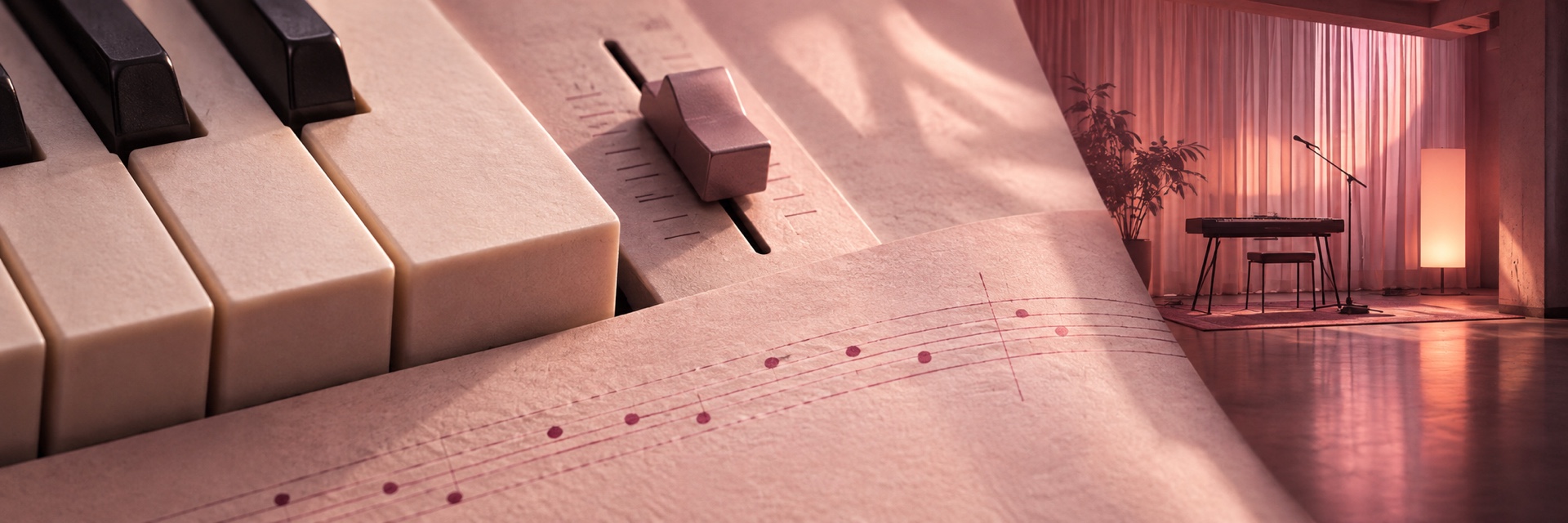
Piano keys and felt beside a softly lit electric-piano room

R&B & soul

Extended chords and voice leading

Try seventh and ninth chords, and listen to how individual notes move between chords.
A keyboard and microphone in a warm rehearsal space

Pop

Repeating progressions and section contrast

Start with a repeating progression, then change the harmony or chord lengths for the next section.

Guitar and drum textures beside a warmly lit courtyard

Latin

Bossa nova and flamenco

Compare bossa nova and flamenco examples, then edit their chords, timing and accompaniment.

These are three of the genre families in the library.

Progression tools

Compare different ways
to change a progression.

Add passing chords, try substitutions or explore a different key. Compare the original and suggested versions before applying a change.

01 / Movement

Change when the chords move.

Add a passing chord between changes or hold a chord for longer. Hear how the timing affects the progression.

02 / Reharmonize

Try chord substitutions.

Compare alternative harmonies around the same tonal centre. Hear how a substitution changes the lead-in to the next chord.

03 / Key & mode

Explore key and mode changes.

Try a related key or a major/minor version of the section. Compare the new chords without changing the section’s length.

Playback and MIDI export

Hear the arrangement. Export the MIDI.

Audition accompaniment patterns.

Try different accompaniment patterns for your progression. Inspect the resulting notes and timing in the piano roll.

Save progressions and arrangements.

Save your work under a name, then search your saved ideas when you want to reopen a progression or arrangement.

Export to your DAW.

Export a section or the full arrangement as MIDI, including the accompaniment’s notes and timing. Continue editing with your own instruments in your DAW.
Notes & piano rollHear it performed
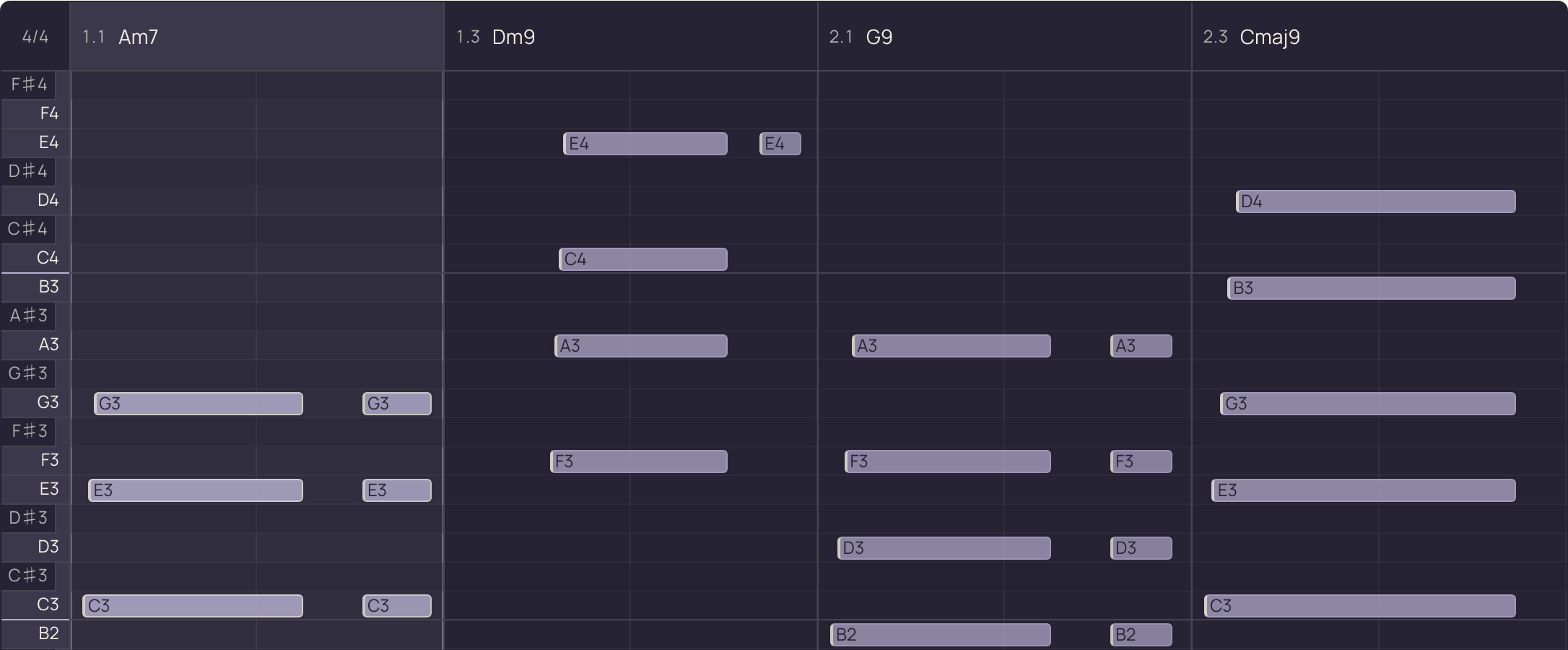
Close-up of the piano roll’s upper voices and performed note timings across Am7, Dm9, G9 and Cmaj9.Close-up of the piano roll’s upper voices and performed note timings across Am7, Dm9, G9 and Cmaj9.
Hear the rhythm. See the voicing. Export the complete performance.

Versien — Composer’s Atelier

Versien is
in development.

Purchases, preorders and downloads are not available yet.

Coming soon

macOS edition

The macOS edition is in development, with host tempo sync and built-in instruments for auditioning progressions.

Release dates and supported DAWs will be announced when confirmed.

Your privacy choices.

Choose whether this website can use optional analytics.

Google Analytics

Helps us understand visits, traffic sources and how people use the website. Off until you allow it. Google advertising features are disabled.

When enabled, Google receives usage and device information and uses analytics cookies. We limit those cookies to 180 days on this website. Turning analytics off stops collection and removes these cookies; the page will refresh.

Your choice is stored in this browser for 180 days. If browser storage is unavailable, it applies to this page only. Changing your choice does not delete information already collected by Google.

Appearance settings are stored separately from your analytics choice. The public store is closed, and this website does not load Moonbase’s store, account or payment services.

How Google uses information Read our privacy policy